close
KIES JE MEXEM
ACCOUNTTYPE


Kérjük, a regisztráció során ne használjon ékezetes betűket!
Por favor, ingrese sus datos sin acentos, tildes ni caracteres especiales
close

Heb je een vraag? Je kunt onze Ondersteuningspagina bekijken of ons een bericht sturen via onderstaand formulier.
A connected trading experience powered by high-performance
charting technology
Combine MEXEM’s global market access with TradingView’s powerful
charts and analytical tools all in one connected trading setup.
We’ve brought MEXEM and TradingView together to create a more connected trading experience. Benefit from MEXEM’s market access and competitive pricing alongside TradingView’s advanced charts, screeners and analytical tools.
Connect with TradingViewMove seamlessly from one chart analysis to trade placement through one connected interface.
Explore dynamic charts and tools to analyze market opportunities with greater clarity.
Access TradingView’s charts, indicators, screeners and alerts while staying connected to your MEXEM account.
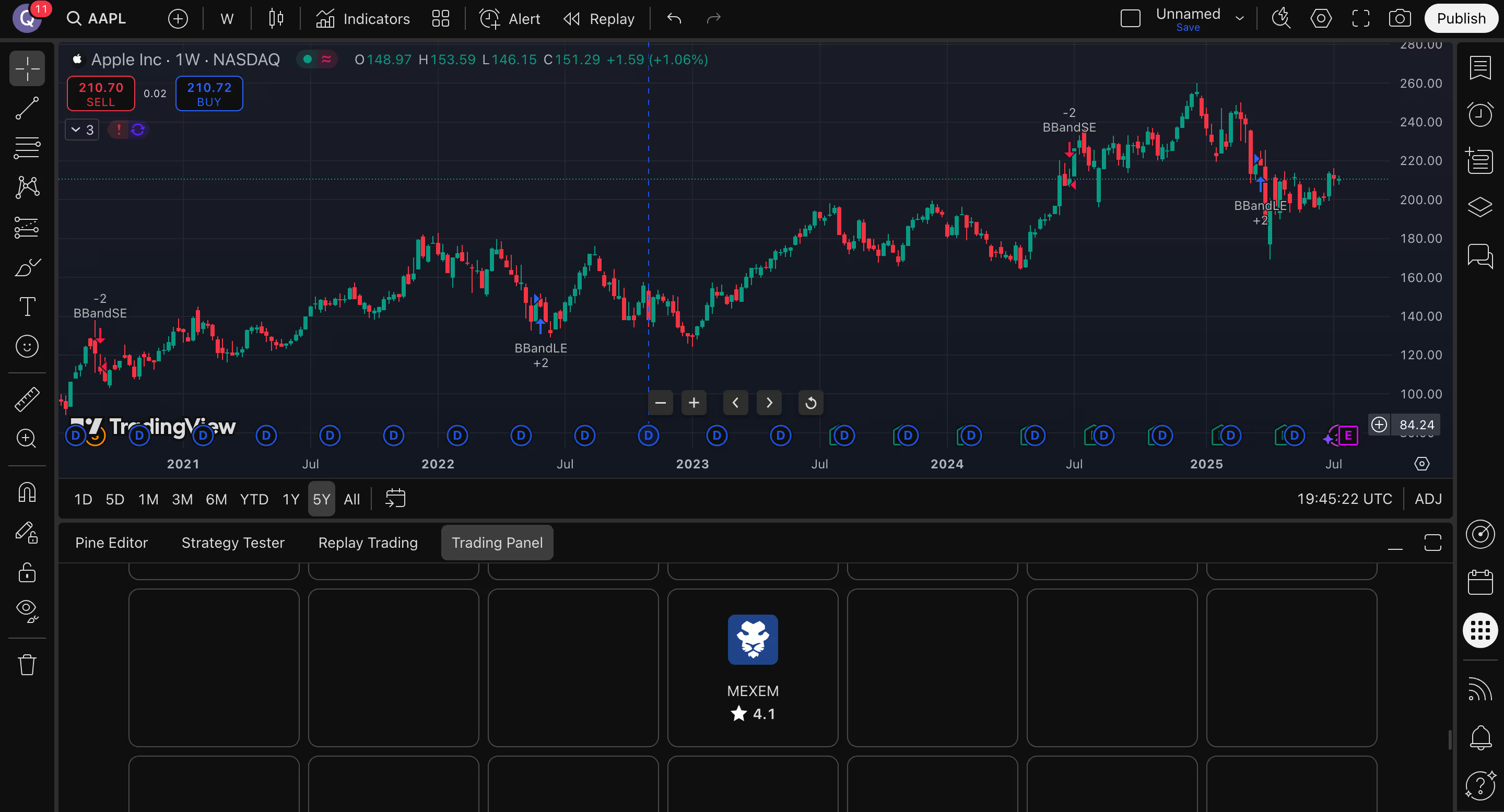
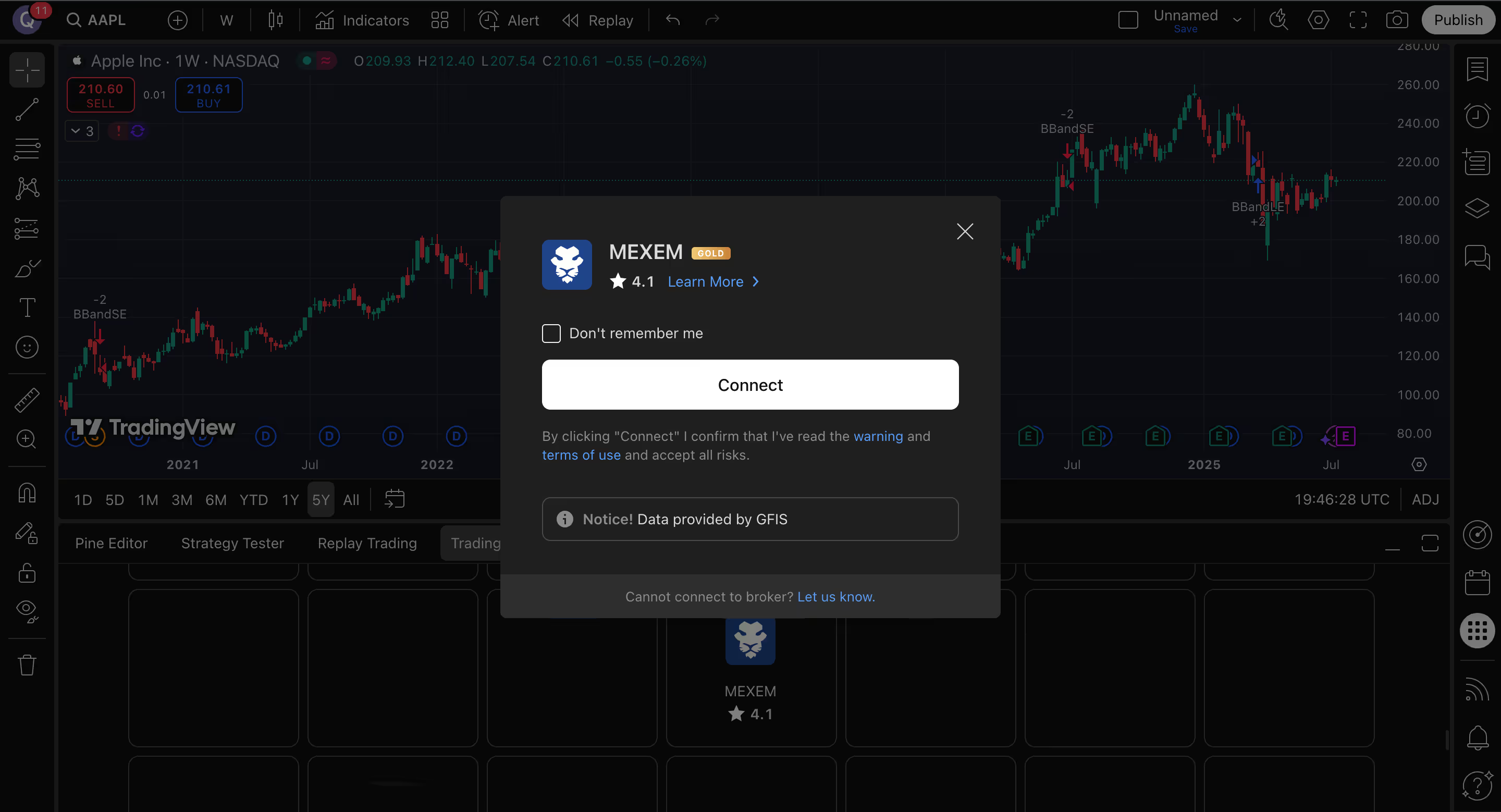
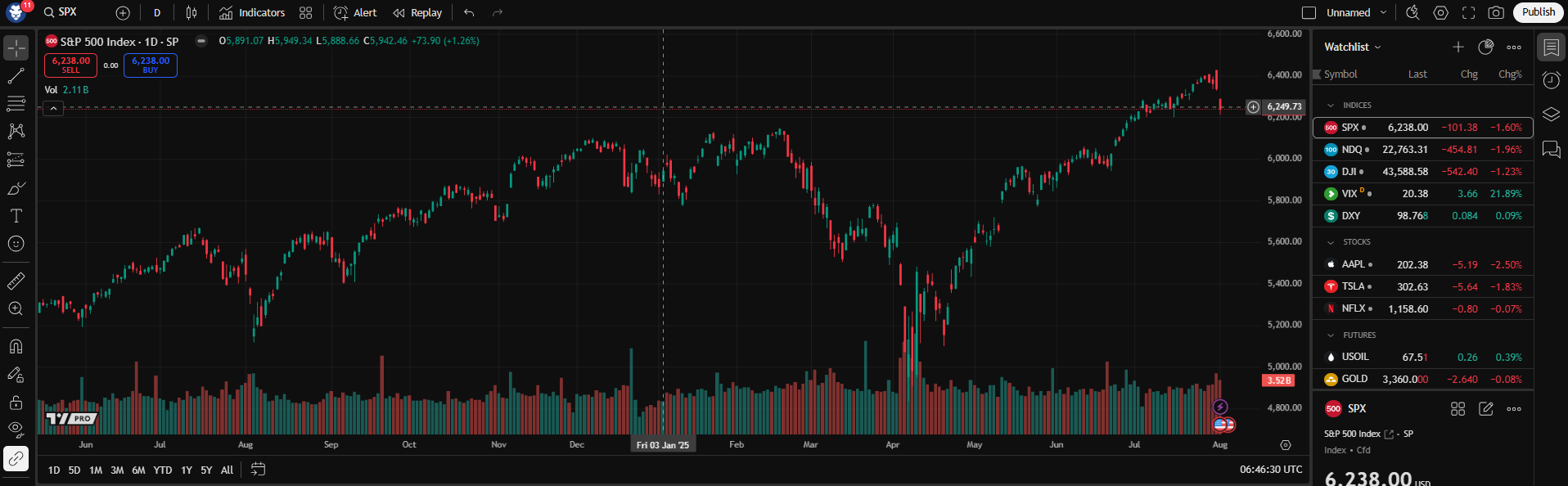
Open Supercharts, go to the Trading Panel, select MEXEM, and sign in with your MEXEM account credentials.
Yes. You need an active MEXEM account before connecting through TradingView.
Yes. Once connected, you can trade from TradingView’s Supercharts interface.
MEXEM’s TradingView lists access to instruments including stocks, futures, bonds and ETFs, subject to account type and regulatory permissions.
Yes. In the TradingView mobile app, users can connect their MEXEM account from the chart tab by opening More and selecting Connected Broker.
MEXEM provides access to market, limit, stop, and stop-limit orders, and its TradingView profile also notes support for bracket orders.
For platform-related help, visit TradingView Support. For account-related assistance, contact MEXEM support.

Open vóór 30 juni 2026 uw Asset Management-account op
Profiteer van 50% korting op onze
1% beheerkosten
BETAAL SLECHTS 0,5%
Uw veiligheid staat voorop!